Written from the field
Every guide comes from a real deployment: the settings that worked, and the ones that failed.
Step-by-step paths to install, secure and monetise a MikroTik hotspot — plus the field articles to go deeper.

Every guide comes from a real deployment: the settings that worked, and the ones that failed.
RouterOS commands to copy, not theory. You follow, you apply.
As much field as desk: the guides read standing up, next to the rack.
No account, no payment. The content is open, and will stay open.
The subjects covered today, and how many guides each one has.
The first paths are on their way. In the meantime, the articles below cover the essentials.
Published as the field teaches us, free to read.
 Mobile Money
July 1, 2026
 Portail captif
June 29, 2026
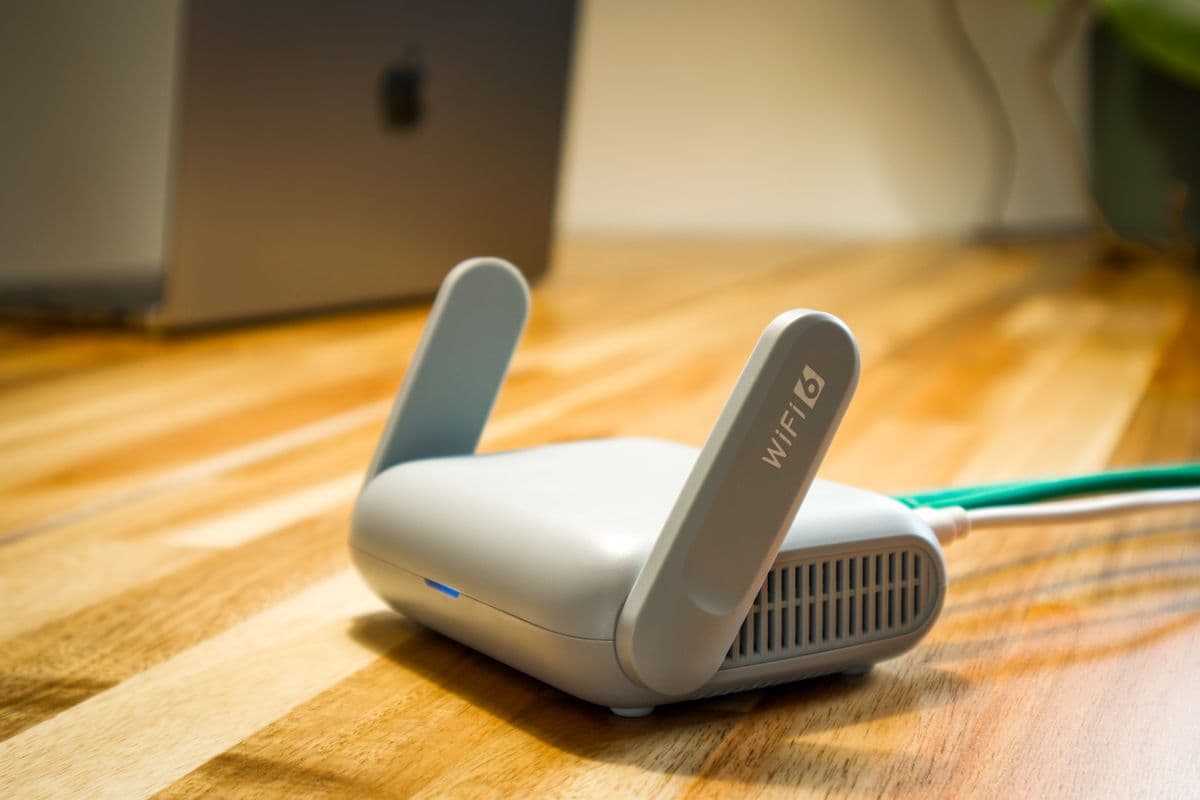 MikroTik
June 27, 2026
 MikroTik
June 24, 2026
 Sécurité
June 21, 2026
 Business
June 18, 2026
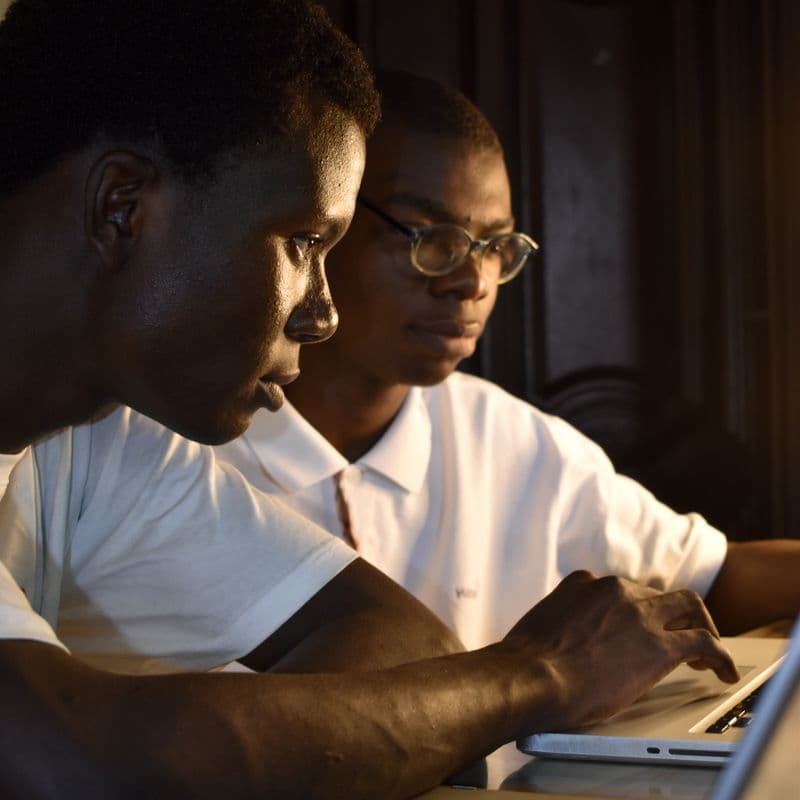


SafeLinkHub is not a school: it is the platform running MikroTik hotspots in Côte d'Ivoire and beyond. The guides come out of those deployments — configurations running in production, not exercises.
Create your account: thirty days of remote access are on us, no card required.
Start for free